Safaricom SIM Cards and eSIMs in Kenya: Full Guide
Safaricom SIM Cards and eSIMs in Kenya: Full Guide
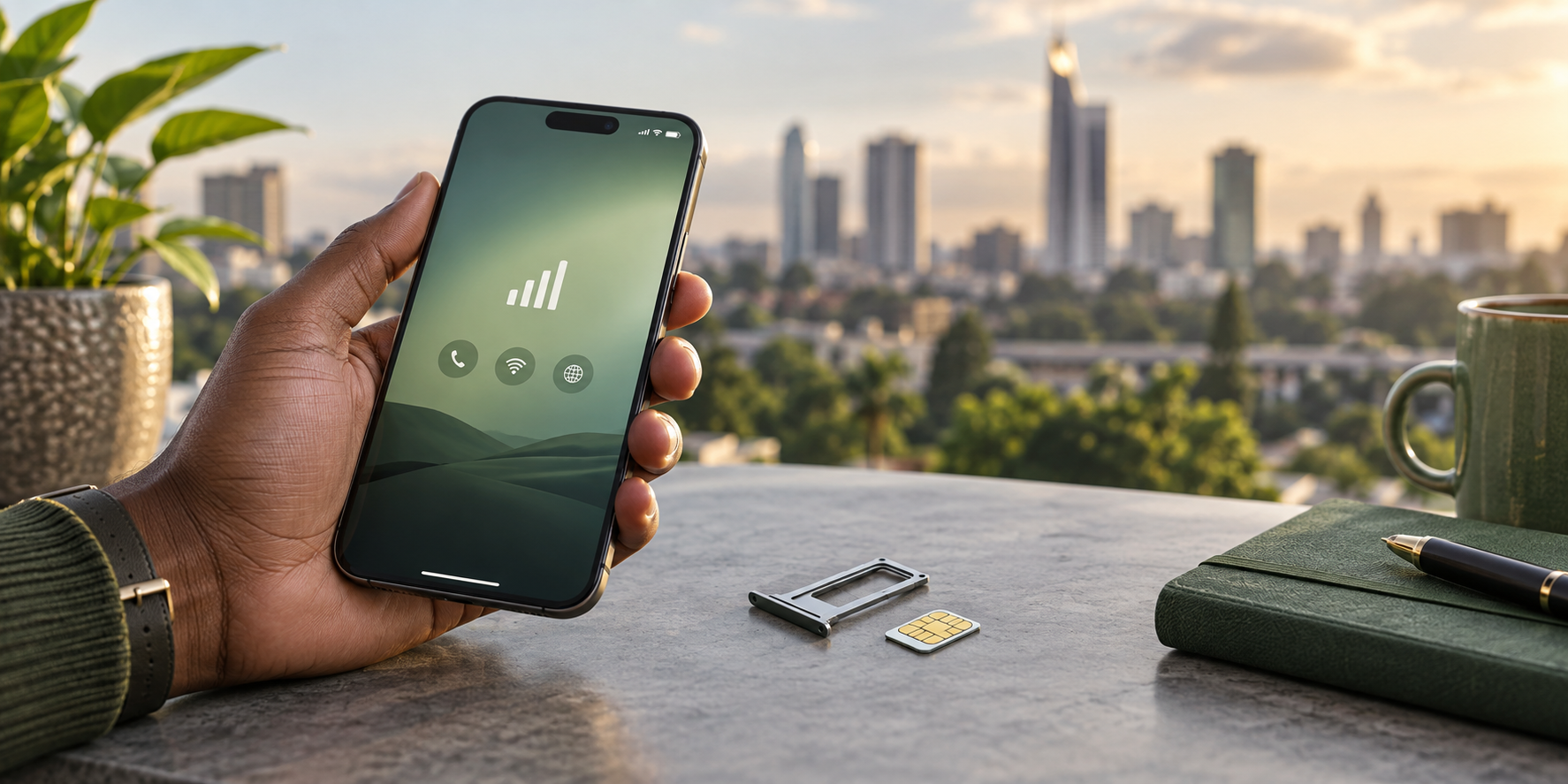
Safaricom offers both physical SIM cards and eSIM profiles in Kenya, letting travelers and residents connect to its mobile network without importing a phone. A Safaricom line can be activated with a registered SIM or eSIM profile, depending on device support and ID requirements.
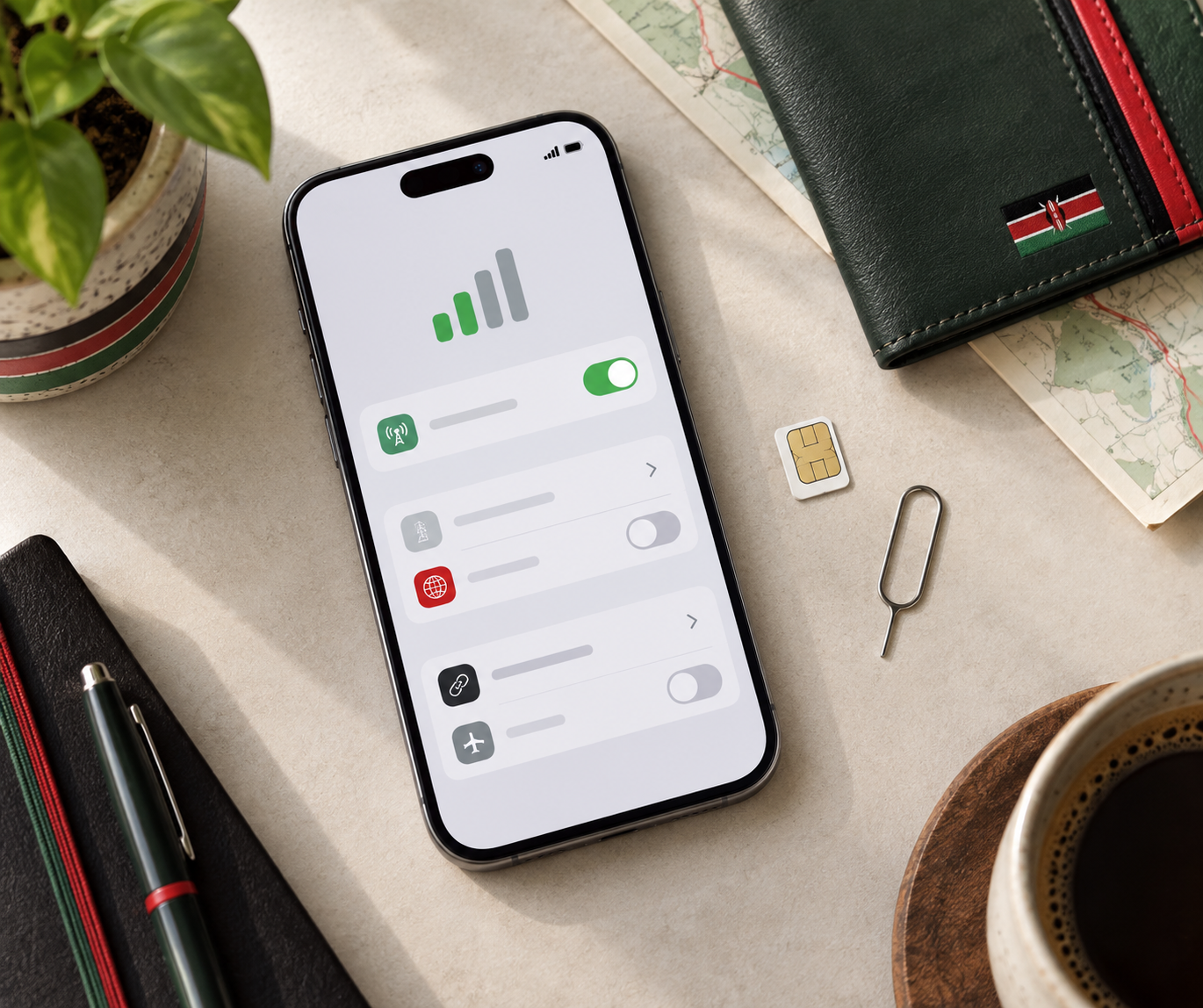
Safaricom is available in Kenya as either a physical SIM card or an eSIM profile.
This guide explains how to choose between a nano-SIM and eSIM, where to obtain one, what registration documents are needed, and how to switch or troubleshoot. It also covers common use cases: local calls and SMS, mobile data, M-Pesa access, and dual-SIM setups on unlocked iPhones and Android phones.
If your phone supports eSIM, activation can be faster than waiting for delivery, while a physical SIM may be easier for older or carrier-locked devices. Before buying, confirm that your handset is unlocked and supports the Kenyan bands used by Safaricom. This matters most when using data away from Nairobi or Mombasa.
Quick Answer: Choosing a Safaricom SIM Card or eSIM
Choose a Safaricom eSIM if your phone supports it and you want a faster, cleaner setup. You scan a carrier QR code, keep the physical SIM tray free, and avoid handling a tiny card. This is usually the better fit for recent iPhones, Google Pixels, and many Samsung Galaxy devices, as long as the phone is carrier unlocked.
Choose a physical Safaricom SIM if your handset does not support eSIM, you plan to move the line between phones, or you want a simple fallback for a basic or rugged device. A plastic SIM is also easier to hand to someone if you need service transferred quickly.
eSIM: best for compatible unlocked smartphones and short setup time.
Physical SIM: best for unsupported phones, frequent device swaps, or backup use.
Whichever format you pick, have identification ready for registration. For device compatibility and setup differences, see this Safaricom eSIM vs SIM card comparison.
Safaricom SIM Card and eSIM Prices in Kenya
Safaricom pricing has two parts: the cost to obtain the SIM or eSIM profile, and the airtime or data bundle loaded onto it. A physical Safaricom SIM is generally sold through Safaricom shops and authorized agents, while an eSIM requires an eSIM-compatible phone and a QR profile issued through Safaricom's registration process. In both cases, final charges are quoted in Kenyan shillings and can differ by outlet, promotion, or included starter bundle. Price the bundle, not just the SIM: a low SIM fee can be offset by a short-lived data plan.
Before paying, confirm:
Whether the quoted amount is a SIM fee, an eSIM activation fee, or bundled airtime.
The minimum top-up needed to keep the line active.
Whether the first data bundle is included or purchased separately.
What identification is required for registration.
For travelers comparing physical and digital options, see this breakdown of Safaricom eSIM price considerations.
Who Can Get a Safaricom eSIM and Which Devices Are Compatible?
Safaricom eSIMs are available to people registering a new Safaricom line and to existing customers swapping from a physical SIM, subject to standard Kenyan SIM registration requirements. You generally need valid identification and a device that can download and store an eSIM profile. If you are choosing between physical and embedded SIM options, compare the setup differences in this eSIM versus SIM card guide.
Activation usually involves installing an eSIM profile or scanning activation details provided by Safaricom. Compatible devices commonly include:
Many iPhone models from the iPhone XS generation onward.
Select Samsung Galaxy S, Note, Z Fold, and Z Flip models.
Supported Google Pixel phones and other dual-SIM handsets.
Before buying, confirm the phone is carrier-unlocked and supports Kenyan networks. For faster mobile data, the device must also support the relevant 5G bands; eSIM capability alone does not guarantee 5G access.
Where to Buy and Register Your Safaricom SIM or eSIM
Buy a physical Safaricom SIM from an official Safaricom shop, an authorized agent, or a reputable mobile-phone retailer in cities such as Nairobi, Mombasa, Kisumu, and Nakuru. For an eSIM, visit a Safaricom outlet or agent that can issue an eSIM QR code and confirm that your phone is unlocked before purchase.
Kenyan law requires SIM registration before full activation. Bring the original document used for registration:
Kenyan citizens: national ID card.
Foreign travelers: valid passport; carry your entry details if asked.
Company lines: business registration documents and identification for the person authorized to register the line.
The seller will record your details and complete identity verification. Keep the SIM pack or eSIM confirmation until the number can make calls and use data. If you are still deciding between physical and embedded options, see Safaricom eSIM pricing and physical SIM differences.
How to Activate and Set Up a Safaricom eSIM Step by Step
After buying and registering your Safaricom eSIM, you receive activation details, usually a QR code linked to your new line. Keep your phone connected to Wi-Fi during setup.
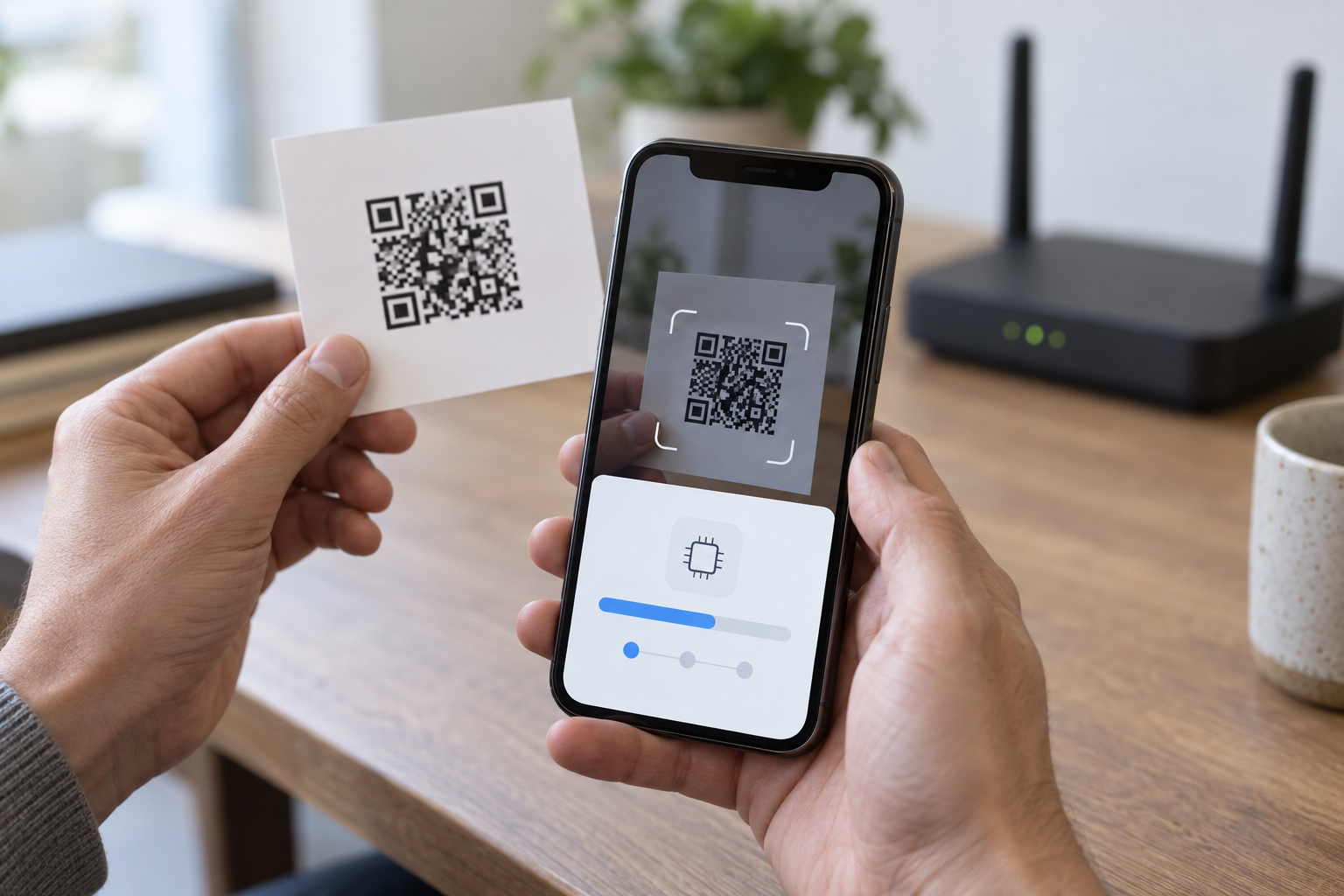
Use a Wi-Fi connection when adding an eSIM profile from its activation QR code.
Confirm the device is unlocked. A carrier-locked iPhone or Android phone may not accept a new eSIM profile.
Open the eSIM menu. On iPhone, go to Settings > Cellular and choose Add eSIM or Add Cellular Plan. On Android, go to Settings > Network & Internet > SIMs, then add a mobile plan.
Scan the QR code or follow the on-screen prompt provided at registration.
Label the plan “Safaricom.” If you also keep a physical SIM, assign mobile data to the Safaricom eSIM under default-line settings.
Turn on the line and test the connection by loading a website or app.
If the QR code fails, do not delete the profile repeatedly; return to the Safaricom point of issue for a replacement activation.
Physical SIM vs eSIM: Benefits, Limitations, and Best Use Cases
A physical Safaricom SIM is the safer fallback for older phones, shared handsets, or areas where eSIM support is limited. It can be moved between devices with a SIM tray, but the card can be lost, scratched, or require replacement through a shop.
A Safaricom eSIM removes the physical card and keeps the plan stored digitally. It is strongest for compatible iPhones and Android devices, especially dual-SIM models where you want Safaricom alongside a second line. It also helps travelers who want to prepare connectivity before landing, though device compatibility and registration requirements still apply. If your trip extends beyond Kenya, compare this option with an eSIM plan for Kenya and Tanzania.
Physical SIM best: budget phones, basic phones, quick device swaps, and users who prefer removable hardware.
eSIM best: supported smartphones, tablets, dual-SIM users, and visitors who want setup without handling a nano-SIM.
Safaricom Data Bundles, Voice Calls, and M-PESA Access
Safaricom structures its prepaid plans around daily "Tunukiwa" personalized offers and standard 30-day bundles, all manageable via the MySafaricom app or the *144# USSD menu. A typical 30-day package includes a set data allowance—such as 10GB or 15GB—along with unlimited on-network voice minutes. In major hubs like Nairobi, users with compatible devices can also access 5G internet in Kenya for significantly faster throughput.
Crucially, registering your Safaricom SIM or eSIM unlocks M-PESA, the mobile money service used for everything from paying restaurant bills to settling national park entry fees. To keep your prepaid line active, you must complete at least one chargeable transaction, like purchasing a bundle or sending a paid SMS, within a 90-day window. If your itinerary extends beyond the country's borders, evaluate standard roaming costs against regional travel eSIM alternatives before committing to a long-term local plan.
Coverage and Mobile Data Speeds in Nairobi and Across Kenya
When using Safaricom SIM cards and eSIMs in Kenya, you connect to the country's most extensive mobile network, which reaches over 90% of the population. In Nairobi, Mombasa, and Kisumu, users get reliable 4G LTE coverage with average download speeds between 15 Mbps and 25 Mbps.
For faster connections, Safaricom has rolled out 5G internet in Kenya, primarily concentrated in upscale Nairobi neighborhoods like Westlands, Kilimani, and the Central Business District, as well as select zones in Mombasa and Kisumu. In these areas, speeds frequently exceed 100 Mbps on compatible devices.
Outside major urban centers, coverage shifts. While highways and large towns maintain strong 4G signals, remote safari destinations like the Masai Mara or Tsavo often drop to 3G, yielding speeds of 2 Mbps to 5 Mbps. If you plan to travel off-grid, download offline maps and essential documents before leaving the city.
Safaricom vs Travel eSIMs: Which Is Best for Kenya?
Choose a Safaricom eSIM if you need a Kenyan +254 number, local calls, M-PESA payments, and data that works like a local subscription. It is the better fit for residents, long stays, fieldwork, and trips where you may rely on local phone verification or mobile money.
Choose a travel eSIM if you want data immediately after landing and do not need a Kenyan number. Travel eSIMs are usually bought online before departure, but they may be data-only and may not support M-PESA registration.
Safaricom: local number, local bundle options, M-PESA access, and broad local coverage.
Travel eSIM: fast setup, useful for short safaris, and easy to combine with your home SIM for SMS alerts.
For a short visit, a travel eSIM such as Airalo Kenya can be convenient. For longer Kenya travel, Safaricom is usually the stronger primary line.
Practical Advice for Tourists Using Mobile Service in Kenya
Set up your Safaricom line before leaving Jomo Kenyatta International Airport or your first hotel if you need ride-hailing, maps, and payment OTPs immediately. Save Kenyan numbers in international format: replace the leading 0 with +254. For example, 0712 345 678 becomes +254 712 345 678.
Keep bank texts working: If your phone supports dual eSIM or one physical SIM plus eSIM, leave your home SIM active for SMS but turn off its mobile data and roaming.
Prepare for remote days: On safari or in rural areas, download offline maps and travel documents while on hotel Wi-Fi, because signal can be limited outside major towns.
Top up early: Buy airtime or a data bundle before heading to national parks, where kiosks and agents may be scarce.
Check cross-border needs: If your trip continues to Tanzania, review our Kenya and Tanzania safari eSIM guide before departure.
Troubleshooting, SIM Replacement, and eSIM Security
If a Safaricom line shows no signal or cannot load data, start with the basics: restart the phone, toggle Airplane Mode, confirm the correct line is selected for mobile data, and test the SIM or eSIM in another compatible device. If the problem follows the SIM, the issue is likely the profile or account; if it stays with the phone, check device settings, software updates, or network selection.
For a lost, stolen, or damaged physical SIM, request a replacement through Safaricom and be ready to verify registration details. Do not hand your SIM, ID details, or one-time codes to anyone else.
eSIM QR code: Treat it like a password. Store it privately and do not repost it in chats or screenshots.
Before deleting an eSIM: Confirm you can reinstall it or contact Safaricom support first.
Changing phones: Plan the transfer while you still have access to the old device and account details.
Frequently Asked Questions About Safaricom SIM Cards and eSIMs
Can I use my Safaricom eSIM for a safari in Tanzania?
Safaricom offers regional roaming bundles, but they are often expensive and limited to specific partner networks. For a cross-border trip, buying a local Tanzanian eSIM or a dedicated regional travel profile provides more reliable, cost-effective data without swapping physical cards.
Does Safaricom support 5G on eSIM devices?
Yes. If you have a 5G-compatible phone and are in a covered area like Nairobi or Kisumu, your eSIM will connect to 5G internet in Kenya just like a physical SIM, provided your device bands match Safaricom’s n78 spectrum.
How many Safaricom eSIM profiles can I store on my phone?
Most modern smartphones, including recent iPhone and Samsung Galaxy models, can store up to eight eSIM profiles simultaneously. However, only one or two can be active on the device at the exact same time, depending on your phone's dual-SIM capabilities.

Kenya eSIM from $4.99 — Safari eSIM
Unlimited data on Safaricom. Built for safari travelers.
Get Safari eSIM