Can You Use M-Pesa With a Kenya Travel eSIM?
Some links may earn us a commission, at no extra cost to you. How we’re funded ↗
Mostly no — not directly. Nearly every Kenya travel eSIM, including Airalo's Kenya data plans, is data-only: you get mobile internet on a local network but no Kenyan phone number. M-Pesa is tied to a Safaricom line registered in your name, so without that number you can't send, receive or withdraw cash.
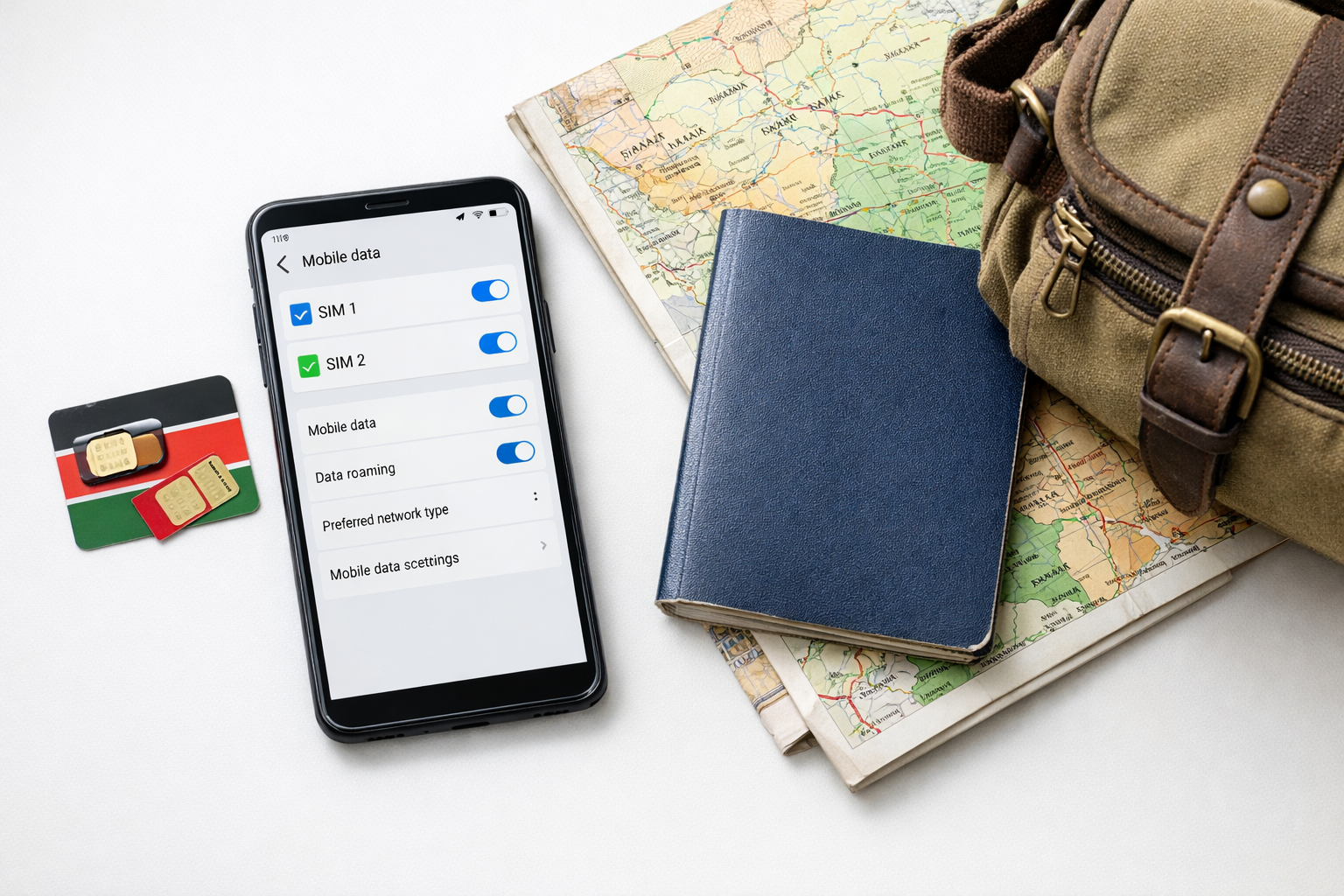
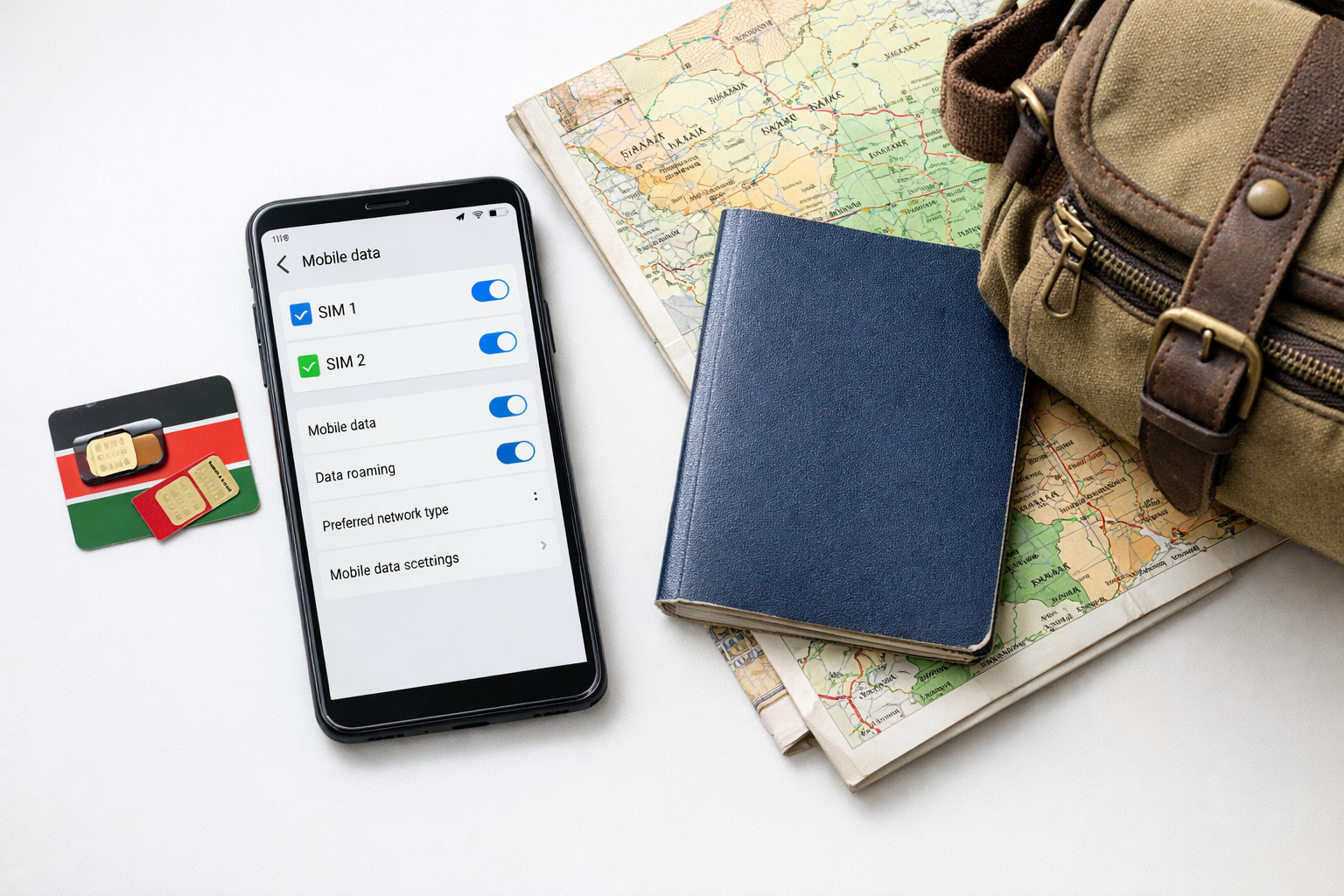
A travel eSIM can provide data, while M-Pesa requires a separately registered Kenyan mobile line.
Those three things are separate and worth untangling. Mobile data keeps maps, WhatsApp and ride-hailing working. A Kenyan phone number is an MSISDN that can receive SMS one-time passwords. M-Pesa access requires a registered Safaricom subscriber profile, which means presenting your passport at a Safaricom shop or accredited dealer under Kenya's SIM registration rules.
Below, we compare what each route actually requires — travel eSIM, local Safaricom or Airtel line, and app-based payment alternatives — so you arrive knowing which one you qualify for.
The short answer depends on whether you already have an active M-Pesa line
Three things get confused here, and separating them solves most of the problem. Mobile data is just an internet connection. A Kenyan phone number is an MSISDN issued by Safaricom, Airtel or Telkom and tied to a registered identity. M-Pesa access is a wallet attached to that Safaricom number. A travel eSIM gives you the first and almost never the second, so it cannot create an M-Pesa wallet on its own.
Most tourist profiles — including the data bundles on an Airalo Kenya plan — are data-only. You get LTE or 5G on a local network, but no Kenyan number, no SMS and no USSD, which rules out dialling *334# or receiving the one-time codes M-Pesa sends.
If you already hold a Safaricom line registered in your name, the picture changes. The M-Pesa app works over any internet connection, including a foreign eSIM, once the line is verified on that handset. Verification itself still expects the Safaricom SIM, so keep it active rather than cancelling it before travel.
Registration rules matter for anyone starting fresh. Safaricom requires an original passport or national ID and in-person or verified registration before a line is issued; an eSIM QR code bought online does not satisfy that. Airtel Kenya applies comparable identity checks, and its wallet is Airtel Money, not M-Pesa.
Does Exness use M-Pesa?
Yes — Exness supports M-Pesa deposits and withdrawals for Kenyan clients. But the transaction is authorised on your registered Safaricom line through a payment prompt or PIN confirmation, so a data-only travel eSIM alone will not complete it. You need the Safaricom number active, typically as the second slot in a dual-SIM phone.
Data, a Kenyan number and an M-Pesa wallet are three separate things
Most confusion about M-Pesa and travel eSIMs comes from treating "connectivity" as one product. It is three: the data pipe that loads apps and maps, the Kenyan mobile number (MSISDN) that identifies you on a local network, and the M-Pesa wallet that is attached to that number after identity checks. You can buy the first without ever touching the other two.
A travel eSIM from a provider such as Airalo's Kenya plans sells you the data pipe. It attaches to Safaricom or Airtel radio towers as a roaming guest, so coverage is local but the subscriber identity is not. Many of these profiles carry no dialable number at all, or a foreign one, which is why no M-Pesa menu appears and why USSD codes like *334# usually fail.
An M-Pesa wallet, by contrast, is a regulated mobile money account. It is opened against a SIM registered in your name with an original ID or passport, verified in person at a Safaricom shop or authorised agent, and it inherits the KYC tier that registration sets. The wallet lives with the number, not the handset or the eSIM profile.
Option | What you get | Verification required | M-Pesa access |
|---|---|---|---|
Travel eSIM (data-only) | Local-speed data, hotspot | Passport for app signup only | No native wallet |
Local Safaricom prepaid SIM/eSIM | Kenyan number, calls, SMS, data | In-person passport registration | Yes, full wallet |
Airtel Kenya prepaid line | Kenyan number and data | In-person passport registration | Airtel Money, not M-Pesa |
Home SIM roaming | Your usual number, SMS delivery | None extra | Only if the wallet already exists |
The practical combination most visitors land on: a data eSIM for cost control, plus a registered local line kept in the second slot purely to receive M-Pesa PINs, one-time passwords and transaction confirmations by SMS.
What do Kenya's current SIM registration and M-Pesa identity checks require?
Every Kenyan mobile line sold by Safaricom, Airtel or Telkom has to be registered to a named individual before it will carry voice, SMS or mobile money. In practice that means presenting an original identity document at a shop or authorised agent, having your details and photograph captured against the SIM serial, and accepting that the line can be deactivated if the record is incomplete. The Communications Authority's registration rules apply equally to physical SIMs and locally issued eSIM profiles.
For visitors, the accepted document is normally a passport, and some outlets also ask to see the entry stamp or visa page. Registration is done in person; it is not something you can finish from a hotel room with a photo upload, and agents will not register a line in a third party's name on your behalf.
M-Pesa adds a second layer. The wallet is opened against an already-registered Safaricom number using the same identity document, and the name on the wallet must match the name on the line.
Airtel Money works the same way on an Airtel Kenya line, with its own in-store check.
A data-only travel profile such as Airalo's Kenya eSIM sits outside all of this. It is sold under a foreign or regional operator agreement, issues no Kenyan number, and therefore never reaches the identity check that mobile money depends on.
Which setup works best: travel eSIM, Kenyan carrier line, dual SIM or roaming?
Decide what you actually need before you buy anything. Mobile data moves your apps; a Kenyan phone number (07xx/01xx) identifies you to local services; an M-Pesa wallet sits on top of that number and is tied to the ID used to register it. One product rarely delivers all three.
A data-only travel eSIM is the cheapest way to get online the moment you land, and it will happily run WhatsApp, maps, ride-hailing and banking apps. What it will not give you is a Safaricom number, so you cannot open or verify an M-Pesa wallet on it. Comparing plans like Airalo's Kenya packages is about coverage and price, not wallet access.
A local prepaid line from Safaricom or Airtel Kenya is the only route to a Kenyan number and mobile money. Expect to visit a shop with your passport, have your photo and fingerprint captured, and register the line in your own name — agents cannot legally register it for you.
Dual SIM is the practical compromise: keep your home number active for bank one-time passwords, add the Kenyan SIM for M-Pesa, and let the cheaper line carry data.
International roaming preserves your home number only. It funds nothing locally, bills by the megabyte, and suits trips under a few days.
Can existing M-Pesa users connect through a travel eSIM?
Yes — provided your Safaricom line stays physically in the handset. The travel eSIM carries the data; the Kenyan SIM carries the identity that M-Pesa is tied to. Remove the Safaricom SIM and the wallet becomes unreachable, no matter how fast the eSIM connection is.
The practical setup on a dual-SIM phone: install a data-only profile such as an Airalo Kenya plan, set it as the default mobile data line, and leave the Safaricom SIM enabled for calls and SMS with its own data switched off. That stops the local line from burning bundles or roaming fees in the background.
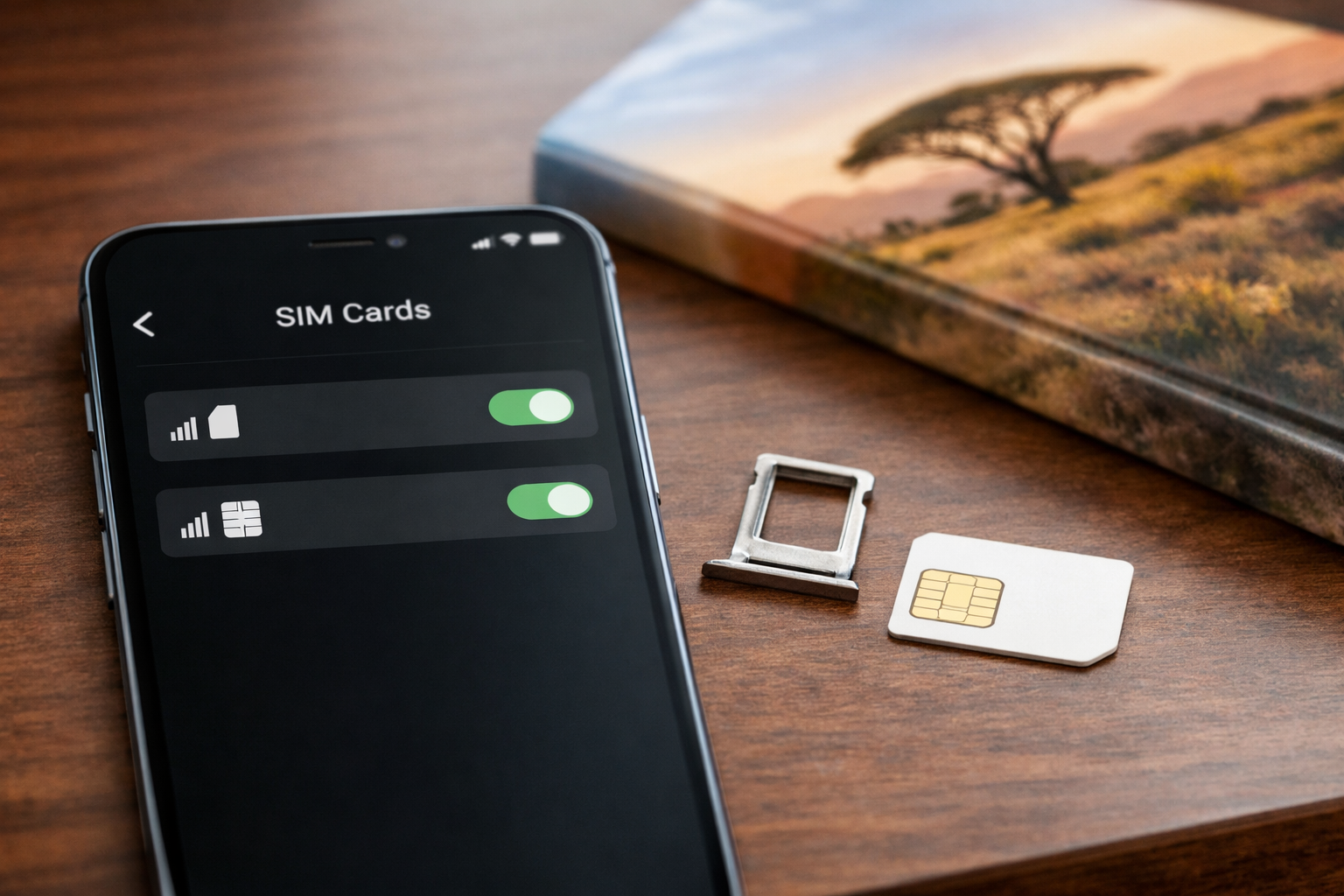
On a dual-SIM phone, keep the registered Kenyan line active for M-Pesa while using the travel eSIM for mobile data.
The USSD route (*334#) does not use data at all. It needs the Safaricom SIM to be registered on a network — the home network inside Kenya, or a roaming partner outside it. If that SIM shows no service, the menu will not load even with full eSIM signal.
The M-Pesa app works over any data path, including the eSIM, but activation and transaction confirmations still run through the number registered to your ID or passport.
Lines dormant long enough to be recycled cannot be revived remotely; that requires a shop visit with original identification.
How can a visitor apply for a Safaricom eSIM and register for M-Pesa?
A visitor should go to an authorised Safaricom shop with an eSIM-compatible, unlocked phone, a valid passport and any required immigration documents. Staff can check eligibility, register a Safaricom line or convert an eligible line to eSIM, then provide a QR code for activation. After the line is active, request M-Pesa registration at an authorised outlet and complete the required identity checks.
How do I get an eSIM?
For mobile data only, buy and install a travel plan such as an Airalo Kenya eSIM. It usually does not provide a Kenyan phone number or create an M-Pesa wallet.
For Safaricom services, visit an authorised Safaricom shop with an eSIM-compatible, network-unlocked phone and your original identification documents. Foreign visitors should carry their passport and valid immigration documentation. Acceptance depends on current registration and eligibility checks.
How to apply for eSIM Safaricom?
Ask the shop to register a new Safaricom line or convert an eligible existing line to eSIM. Staff verify your identity, register the number and issue an eSIM QR code. Connect to Wi-Fi, scan the code in the phone’s mobile-network settings and keep the QR code private.
Travel eSIM: mobile data, generally without a Kenyan number.
Safaricom eSIM: a registered Kenyan mobile line in digital form.
M-Pesa: a separate wallet requiring identity verification on an eligible Safaricom line.
After the line is active, request M-Pesa registration at an authorised outlet. Present the same original identity documents and complete the required customer checks; receiving a Safaricom eSIM does not automatically approve M-Pesa.
Use dual-SIM mode if available: keep the Safaricom line active for calls, SMS and M-Pesa prompts while another eSIM supplies data.
How do you send and receive money after M-Pesa activation?
Once the wallet is live, the mechanics split along the same three lines as before: your travel eSIM carries data, your Safaricom line carries the Kenyan number, and M-Pesa sits on top of that number. Transactions are authorised against the SIM holding the number, not against whichever profile happens to be providing internet at the time.
How do I send money using M-Pesa?
Dial *334# from the Safaricom line, choose Send Money, enter the recipient's number, enter the amount, then your four-digit M-PESA PIN. The Hakikisha screen shows the registered name of the recipient before you confirm — check it, because a transfer to a correctly keyed but wrong number is slow to reverse. A confirmation SMS with a transaction code follows. The same menu covers Lipa Na M-PESA for till numbers, Pay Bill for a business number plus account reference, and Withdraw Cash at an agent using the agent number and amount, all documented on Safaricom's official M-PESA pages.
USSD needs signal, not data, so it works even when your Airalo Kenya eSIM is the profile handling browsing and maps. The M-PESA app and in-app Pochi or Global Pay features do need data, and they will happily use the travel eSIM's connection while reading the Safaricom number from the other slot.
Receiving is simpler but has one condition: the Safaricom line must be switched on and registered to the network for confirmation SMS to arrive. If you disable that line to avoid roaming charges after leaving Kenya, incoming M-Pesa messages queue or fail, even though the balance itself is untouched — one more reason to compare the data-only Kenya eSIM options before you land.
Practical limit to plan around: most phones store several eSIM profiles but keep only two lines active at once. Keep Safaricom as one active line and your data eSIM as the other, and set data to the travel profile while leaving calls and SMS on the Kenyan number, as explained in our dual-SIM eSIM setup guide.
Do free eSIM trials include a new Kenyan phone number?
No. Free trial eSIMs handed out by travel providers are data-only products. They give you a few hundred megabytes to test installation and network attachment, nothing more. There is no voice line, no SMS sender ID and no Kenyan MSISDN attached to the profile, so there is nothing for Safaricom to tie an M-Pesa wallet to.
The reason is structural, not a limitation of the trial size. A paid travel plan from a provider such as Airalo's Kenya eSIM works through wholesale roaming agreements with local operators. Your traffic rides on Safaricom or Airtel towers, but the subscriber identity sits with the issuing partner abroad, often with a non-Kenyan or hidden number.
M-Pesa accounts, by contrast, are issued only against a Kenyan line registered in person with original identification, biometric capture and the details recorded under Kenya's SIM registration rules. A trial profile you installed by scanning a QR code at home has passed none of those checks.
Some trials do issue an attached number for SMS, usually a UK, US or Estonian one. That number can receive certain OTPs, but it cannot be registered for M-Pesa and will often be rejected by Kenyan banking apps.
Treat trials as a connectivity test. Keep money access on your existing registered line or a properly purchased local SIM.
Common reasons M-Pesa fails with a travel eSIM and how to troubleshoot them
Almost every failure traces back to the same confusion: data, a number and a wallet are not the same service. A travel eSIM sells you mobile data over a local network. M-Pesa is tied to a Kenyan MSISDN registered to a verified identity. If your eSIM is data-only, no amount of signal will produce an M-Pesa menu, because there is no Safaricom subscriber record behind it.
No SIM Toolkit menu: the M-PESA entry under SIM Toolkit is written onto the Safaricom profile. A foreign travel profile has none. Use the M-PESA app over any data connection instead, or dial *334# from the Safaricom line itself.
USSD or SMS goes to the wrong line: on dual SIM phones, set the Safaricom eSIM as default for calls, SMS and USSD, and leave the travel profile for data only. One-time codes arrive as SMS on the Kenyan number, so that line must stay switched on, not disabled to save battery.
Line dormant or ID mismatch: unused prepaid numbers can be deactivated and recycled, and a SIM registered against an expired passport will fail verification. Both require a visit to a Safaricom shop with the original identity document.
App loads but transactions time out: that is usually coverage, not the wallet. Switch the data profile, or choose an eSIM plan with stronger Kenyan coverage before blaming M-Pesa.
How should you plan eSIM and M-Pesa access for a Kenya safari?
Start by separating the three needs. Mobile data keeps maps, WhatsApp and lodge bookings working. A Kenyan MSISDN (a +254 number) is what local businesses, drivers and guides dial. M-Pesa access is a wallet tied to that number and to an identity record held by the operator — data alone never creates it.
For most safari visitors, the practical split is a travel eSIM for data plus cash and card for payments. Travel eSIMs sell data profiles without issuing a registered Kenyan line, so there is no SIM registration under the Communications Authority rules and no wallet to open. That is enough for the Mara, Amboseli and Laikipia, where coverage, not payment rails, is the real constraint — the same planning logic covered in our guide to eSIM coverage for an Africa safari.
If you genuinely need M-Pesa — long stays, paying park staff, or splitting costs with Kenyan friends — budget time for an operator shop visit with your passport and entry stamp, because identity verification is done against the document, not the device.
Travellers already holding an active Kenyan line should keep it in the physical SIM slot and run the travel eSIM alongside it for data.
Book the registration errand for your Nairobi arrival day, not the morning you drive out to the reserve.
Frequently asked questions about Kenya eSIMs, phone numbers and M-Pesa
Three things get confused constantly, so it is worth separating them one final time. Mobile data is connectivity: a travel eSIM profile authenticates on a Kenyan host network and gives you megabytes, nothing more. A Kenyan phone number is an MSISDN issued by a licensed operator after registration against identity documents. M-Pesa is a wallet attached to that registered number, not to the handset or the eSIM chip.
Because of that split, a data-only profile from Airalo's Kenya plans can carry M-Pesa app traffic perfectly well while being incapable of creating an M-Pesa account on its own. The app authenticates against your existing registered number; the eSIM just moves the packets.
The registration side is where visitors hit friction. Operators must capture identity details for every line they activate, which for a non-resident means a passport and, in practice, an in-person or agent-assisted check. A foreign IMSI riding on a travel plan never passes through that process, so it cannot inherit wallet status.
Where a traveller genuinely needs a local wallet rather than local data, the realistic routes are a registered Safaricom line for M-Pesa or a registered Airtel line for Airtel Money. Both demand the same documentation; neither accepts a travel profile as a substitute.
Plan accordingly: data eSIM for coverage and cost control, a registered local line only if you must hold and move Kenyan shillings yourself.
Does a travel eSIM give me a Kenyan phone number?
Almost never. Most Kenya travel plans are data-only, and the few that assign a number issue a foreign one unsuitable for M-Pesa registration.
Can I receive M-Pesa SMS confirmations over a travel eSIM?
No. SMS arrives on the Safaricom line itself, so keep that line active in a second slot or on roaming.
Is the M-Pesa app enough without USSD?
For existing registered users, yes — sending, paying bills and balance checks all run over data, though USSD remains the fallback when the app will not load.